 innitweb
✦ Build guide
See a site built, start to finish.
A short walk-through of the real editor, with captions and no sound. Nothing in it is saved or charged.

Read the steps
Pick a starting point
Open the templates gallery, choose a design you like and press Edit template. It opens in the editor. Editing is free, and nothing is saved or charged yet.
Change the words
Double-click a heading and type. The page changes as you type, and Undo is always there.
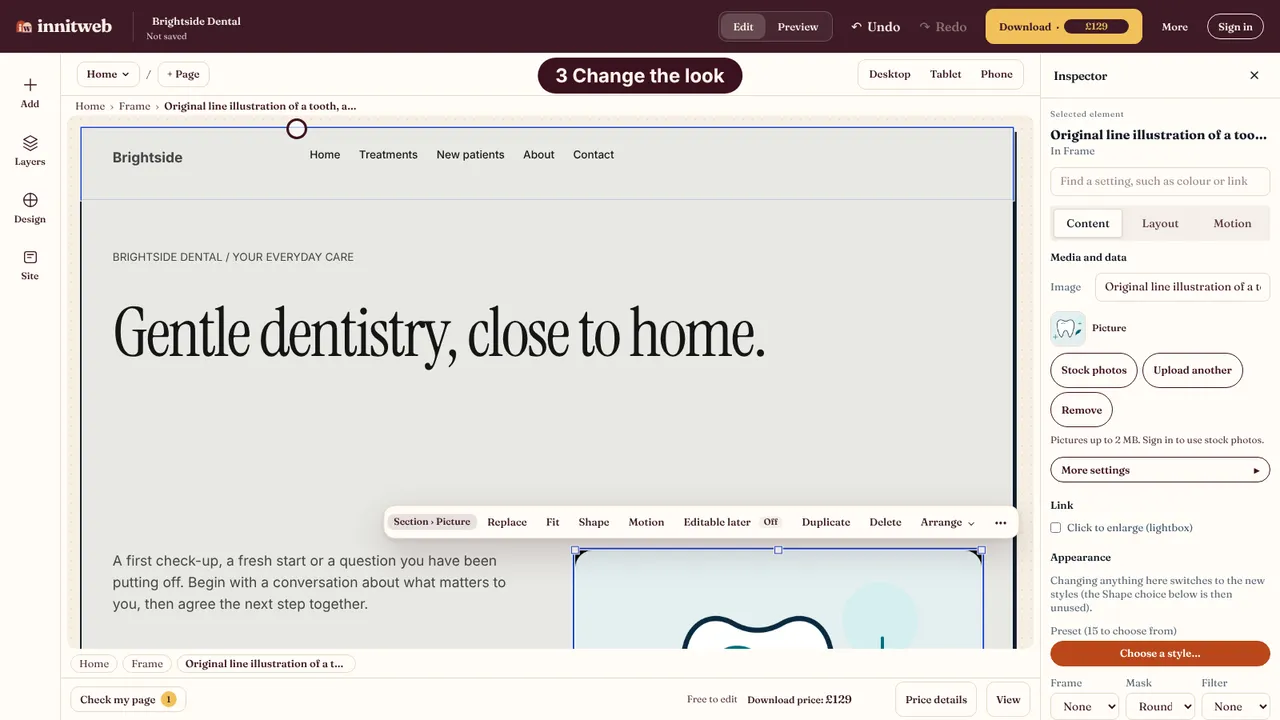
Change the look
Open Design, choose a starting look for the whole site and press Apply. Undo puts the previous look back.
Add a section
Open Add, choose Sections and insert a designed block. Every part of it stays editable.
Check tablet and phone
Switch to Tablet and then Phone to see the same page at those widths before you pay.
Review, then download
The Download step shows what you get and what is due, and checks your page. Nothing is charged until you sign in and confirm.